CSB Media Arts Center students have access to our online learning tools
Make sure to complete the Resume Workshop and submit your resume for review.
To schedule a virtual meeting with a career counselor, click here.
We will be adding lessons right here, so you can brush up on your skills or learn new techniques and software packages used in the industry.
Login and start your path toward a new career!
Resume Workshop
Joe and Walter offer their tips for resume and demo preparation toward your next career move. While there are many different ways to present your qualifications and life story, this is a great place to start, and get helpful tips from industry professionals. After reviewing these tips, please prepare your resume and/or demos. We look forward to reviewing your work, and approving you to the Job Center for employment opportunities.
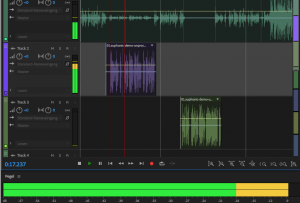
Adobe Audition
In this course, students develop an understanding of the audio editing process and the basic skills to edit an audio project from start to finish. This includes understanding the relationship between media and project files, media storage location, the abilities to create the project file; bring in the source audio files; edit individual audio elements, combine audio elements in multitrack, add music and basic effects, and finally exporting the finished project.
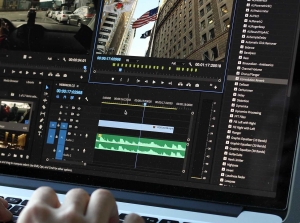
Premiere Pro
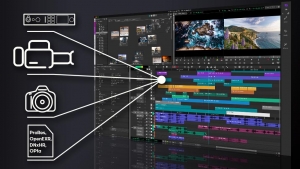
This course is designed to get a new user up-and-running on Premiere Pro. In this course, students develop an understanding of the video editing process and the basic skills to edit a video project from start to finish. This includes understanding the relationship between media and project files, media storage location, the abilities to create the project file; bring in the source video and audio files; edit the sequence, add titles, music, and basic effects, and then export the finished sequence.
Avid Media Composer
This course is designed to get a new user up-and-running on the software. In this course, students develop an understanding of the video editing process and the basic skills to edit a video project from start to finish. This includes understanding the relationship between media and project files, media storage location, the abilities to create the project file; bring in the source video and audio files; edit the sequence, add titles, music, and basic effects, and then export the finished sequence.
Radio
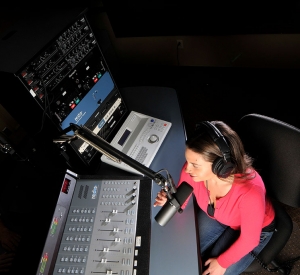
This is your A-Z in Radio! This course is designed to get a new user up-and-running in the Radio Studio setting. Topics that will be discussed include mic placement, the radio mixing board, VU levels, audio buses, headphones, faders, troubleshooting and more.
Open Broadcaster Software (OBS)
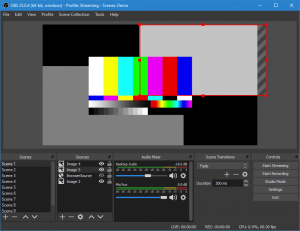
Chris gives us an introduction to the OBS software used in our CSB Talk Studios to create live streaming broadcasts. This software is open source, and free to use on your own computer. To download the software go to: https://obsproject.com/
Nexgen Automation
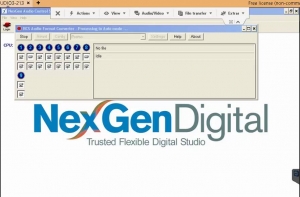
In this course, we will walk you through the Nexgen Automation software used at many radio stations around the world.
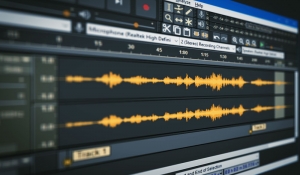
Audacity
In this course, Jim will introduce you to the Audacity software package. Audacity is a free and open-source digital audio editor and recording application software, available for Windows, macOS, Linux, and other Unix-like operating systems.
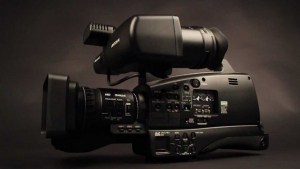
Field Camera Operations
In this course Walter goes over the functions and settings of the Panasonic field cameras we use at Connecticut School of Broadcasting. An understanding of the terminology and camera functions will be very helpful across all camera brands and platforms.
Broadcasting Industry News
- Video Production Coordinator, Mane Media Productions
- Temporary-Clerical
- Sports Information Assistant / Graphic/Video Design
- Broadcasting Engineer
- Producer Director
- Studio Assistant
- Traffic Manager I
- Athletics Videographer I/II
- Manager, News and Current Affairs
- Video Producer
- Broadcast Producer Manager (Specially Funded)
- Manager, Programming & Operations - Wyoming Public Media (WPM)
- 1A Plus Podcast Producer (Producer I)
- General Manager, KAWC/ KOFA Public Radio
- Assistant Director of Broadcast Operations